
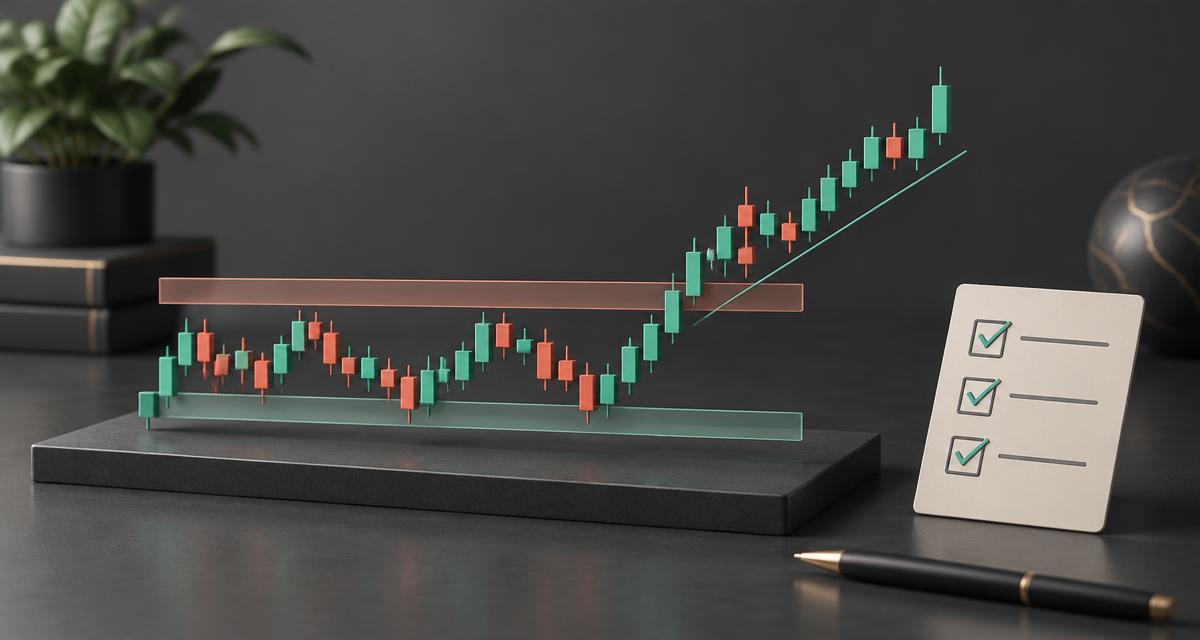
The short answer: use a SimpleAlgo signal as a prompt to check your trading plan—not as an instruction to buy or sell. A repeatable process connects the signal to market context, a defined exit and a record you can evaluate later.
Editorial scope: we have not purchased or tested SimpleAlgo. This is an educational workflow, not official product instructions or evidence of profitability. Product features are described in our SimpleAlgo indicator guide.
What a SimpleAlgo signal can—and cannot—tell you
The public product material describes buy and sell signals alongside trend, reversal and support/resistance tools. These can organise chart information, but a marker alone does not tell you whether a trade fits your objectives, how much you should risk or whether the next move will follow through.
Start by describing the environment: is price trending, moving inside a range or breaking out of one? Then note the nearby levels. A buy signal immediately below resistance asks a different question from a buy signal after a pullback in an established trend. This is context, not proof that either trade will succeed.
Avoid counting several overlays as independent evidence without understanding their inputs. Tools built from the same price history may repeat similar information rather than provide separate confirmation.
A five-step checklist before considering a trade
- Fix the market and timeframe. Use a clearly defined symbol, session and chart interval. Choose a sensitivity preset appropriate to the style you intend to test, then keep it consistent.
- Check when the signal is confirmed. Ask whether it appears during the candle or only after the close. Do not assume a historical marker was available at the exact price shown.
- Write the entry condition. Decide in advance whether you require a candle close, a pullback or another measurable condition. If the condition is absent, record a skipped setup rather than improvise.
- Define invalidation and exit. State what would make the trade idea wrong and where you plan to exit. Suggested stop-loss or take-profit levels still need to be checked against your own rules and execution conditions.
- Size the position before entry. Base exposure on a predefined loss limit and the distance to your stop. Allow for trading costs; stops do not guarantee an exact fill during gaps or fast markets.
This checklist is deliberately independent of a particular sensitivity value. Its purpose is to make two similar signals produce comparable decisions, rather than a different set of rules each time.
How to test SimpleAlgo signals on TradingView
TradingView’s Bar Replay lets you reveal historical price movements progressively. Select a starting point before the outcome is visible and apply your written checklist as each bar arrives. Check the script’s compatibility and your plan’s available historical depth first; we have not verified SimpleAlgo’s behaviour in replay.
Separate learning from evaluation. You can use one historical period to establish rules, then evaluate those unchanged rules on a different period. Include losing and skipped setups—not just attractive examples. Save observations about when markers appear and whether they change after a chart reload.
For forward practice, TradingView also offers Paper Trading with virtual funds. An indicator displays information; it does not automatically create a Strategy Report. Automated reports require a strategy script, so avoid presenting a manual review as an automated backtest.
Replay Trading is separate from Paper Trading. TradingView says historical replay trade data are available within the session and are not saved, so preserve your own notes. Simulated results do not establish how real orders will fill or how you will respond to actual losses.
Record enough detail to learn from the results
A useful journal explains the decision, not just its outcome. Use the same fields throughout your test:
- Symbol, timeframe, session and sensitivity preset.
- Signal time and whether the candle had closed.
- Market context, planned entry, stop and exit rule.
- Actual simulated fills, fees and any assumed slippage.
- Outcome relative to the initial risk, plus a screenshot.
- Whether you followed the rules and why you skipped a setup.
Review average gains and losses alongside the proportion of winning trades. A high win rate can coexist with an unprofitable process when occasional losses are much larger than wins. Also examine the worst losing sequence and whether results depend on just a few unusually favourable trades.
Three mistakes that make a test misleading
Choosing settings after seeing the outcome. Repeatedly adjusting sensitivity until old charts look perfect risks fitting the past. Keep a separate, untouched evaluation period.
Ignoring timing and costs. A marker placed on a candle does not prove it could have been traded at that candle’s best price. Record the actual confirmation rule and include realistic execution assumptions.
Turning a few examples into a promise. Selected screenshots, member ratings and a short winning streak are not a verified performance record. Describe the limits of your test as carefully as its results.
Trading can lose money. This article provides general education, not personalised financial advice or a recommendation to enter any trade.
Frequently asked questions
Should I take every SimpleAlgo buy or sell signal?+
No. A signal is one input, not a complete trading decision. Apply the same written checks for market context, entry, invalidation and risk before considering a trade.
Can I backtest SimpleAlgo in TradingView?+
You can investigate historical signals manually with Bar Replay where the script and your plan support it. An indicator does not automatically generate a Strategy Report; that requires a strategy script. We have not verified SimpleAlgo’s replay compatibility.
Do SimpleAlgo signals repaint?+
We have not independently tested this. Ask the provider which signals are confirmed at bar close, whether historical markers can change, and how alerts behave. Compare live observations with the same chart after a reload.
What is the best SimpleAlgo setting?+
There is no setting we can substantiate as universally best. Choose a preset suited to your trading style, keep it unchanged during a test, and compare results on data you did not use to choose it.
Next step: understand the toolkit
Before choosing a subscription, read our guide to SimpleAlgo’s features and settings and the full SimpleAlgo review. If it suits your workflow, confirm access, current pricing and renewal terms on the provider’s listing.
Affiliate disclosure: we may earn a commission if you buy through this link, at no extra cost to you.
View SimpleAlgo on Whop